
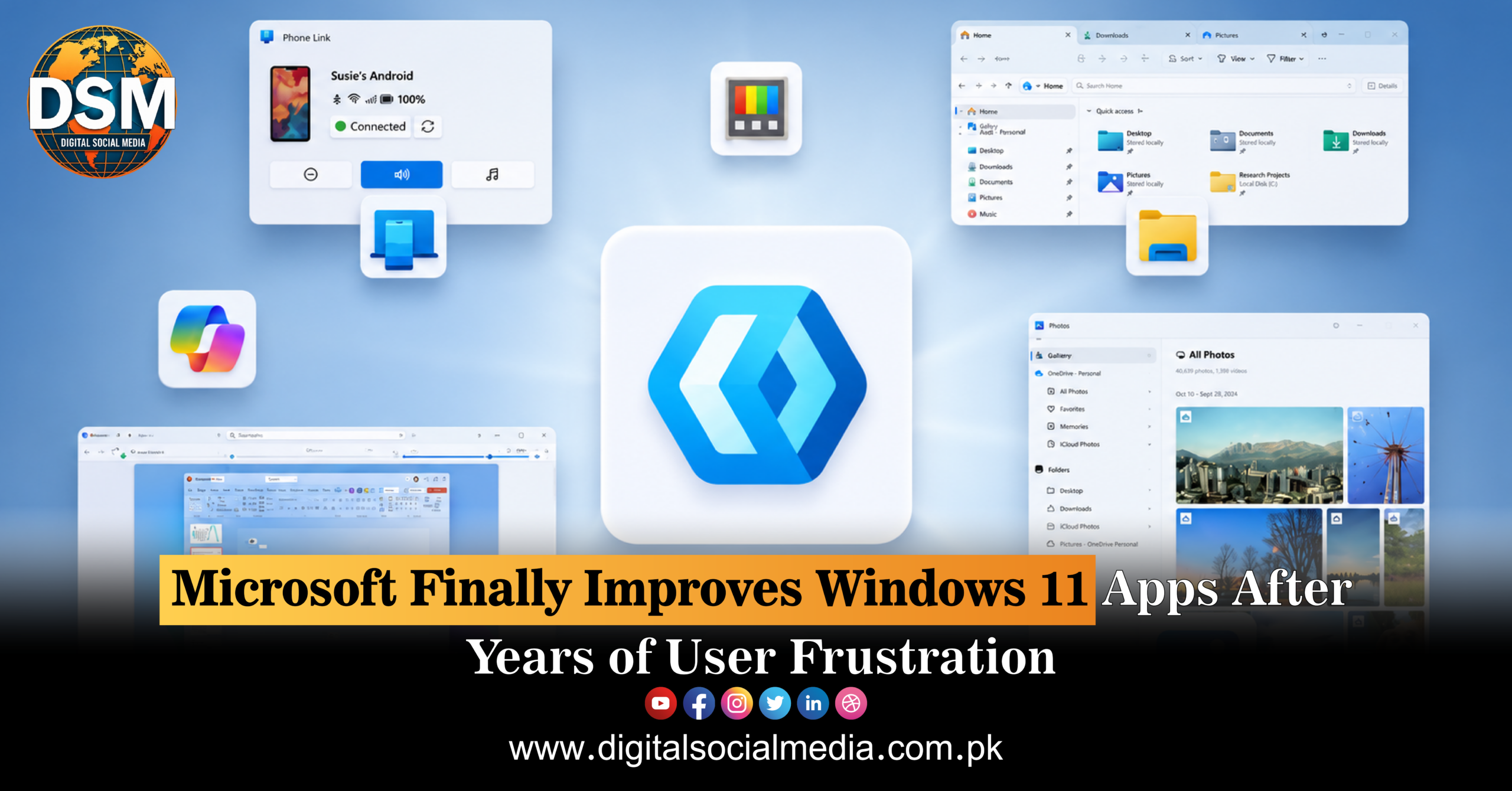
Microsoft Finally Fixes Windows 11 Apps After Years of User Frustration
Microsoft is working to improve the Windows 11 experience by addressing long-standing frustrations surrounding some of its built-in applications. For many users, Windows 11 has offered a modern interface and a range of new features, but the operating system has also faced criticism over inconsistent apps, unnecessary complexity, performance concerns, and features that do not always work together as smoothly as users expect.
The latest focus on improving Windows 11 applications signals a broader effort by Microsoft to refine the operating system and make everyday computing simpler.
Windows users interact with built-in apps every day. From basic utilities and settings to productivity tools and media applications, these programs play an important role in the overall user experience. When apps feel inconsistent or outdated, even a modern operating system can become frustrating.
Windows 11 Has Faced App-Related Criticism
Since its launch, Windows 11 has introduced a redesigned visual identity, updated menus, new productivity features, and tighter integration with Microsoft’s wider software ecosystem.
However, users have frequently pointed to inconsistencies across the operating system.
Some settings remain divided between different interfaces, while certain built-in applications have received modern redesigns and others continue to feel connected to older versions of Windows.
This mixture of old and new has created confusion for some users.
Microsoft has gradually worked to modernise Windows applications, but the process has taken time. The company’s latest improvements suggest a stronger effort to address the everyday frustrations that have developed over several years.
A More Consistent Windows Experience
One of the biggest goals for Microsoft is likely to be improving consistency.
Users generally expect applications within the same operating system to follow similar design principles. Navigation, settings, buttons, menus, and accessibility features should feel familiar regardless of which application is being used.
Consistency can make an operating system easier to learn and more efficient to use.
When every application behaves differently, users may need to spend extra time figuring out where options are located and how specific features work.
Improving built-in Windows 11 apps could therefore make a noticeable difference to the overall user experience.
Simplifying Everyday Tasks
Most computer users do not spend their time thinking about operating system design. They simply want their computer to work efficiently.
Opening a file, adjusting a setting, viewing photos, managing applications, or completing a basic task should not require navigating through multiple confusing menus.
Microsoft’s continued work on Windows 11 applications could help simplify these everyday experiences.
Better organisation, clearer interfaces, improved performance, and more reliable functionality can make an operating system feel faster and easier to use even without dramatic hardware changes.
User Feedback Plays an Important Role
Windows has one of the largest user communities in the world.
This means Microsoft receives feedback from a wide range of users, including gamers, students, businesses, developers, and everyday consumers.
Each group may use Windows differently, but common complaints often focus on reliability, unnecessary complexity, unwanted features, and inconsistent design.
Listening to this feedback is important for Microsoft as competition between operating systems and devices continues to increase.
Users have more choices than ever before, and software quality can strongly influence whether customers remain loyal to a platform.
Modernising Legacy Windows Components
Windows has a long history, and one of its biggest challenges is maintaining compatibility with older software while introducing modern features.
Many users rely on applications and tools that have been part of Windows for years.
As a result, Microsoft cannot simply remove every legacy component overnight.
The company must balance backward compatibility with the need for a modern and streamlined experience.
This balancing act helps explain why Windows 11 can sometimes feel like a combination of different generations of software.
The ongoing improvements to built-in applications could help Microsoft gradually close the gap between old and new interfaces.
Better Apps Can Improve Productivity
Built-in applications are often underestimated, but they can have a major effect on productivity.
If an application launches quickly, has clear controls, and works reliably, users can complete tasks with less effort.
For businesses, productivity improvements can save time across large numbers of employees.
For individual users, better applications can make everyday computing more enjoyable.
Microsoft’s efforts to improve Windows 11 apps could therefore benefit both professional and personal users.
Windows 11 and the Future of AI
The Windows ecosystem is also entering a new phase shaped by artificial intelligence.
Microsoft is increasingly integrating AI-powered features into its products and services.
However, AI features will only be useful if they improve the user experience rather than adding more complexity.
As Windows evolves, Microsoft will need to ensure that new technologies work smoothly with the core applications people already use.
A strong foundation of reliable and well-designed apps is essential before introducing increasingly advanced features.
What Windows Users Can Expect
The continued improvement of Windows 11 apps suggests that Microsoft recognises the need for refinement.
Major operating systems are never truly finished products. They continue to evolve through updates, new features, design changes, and user feedback.
For Windows 11 users, improvements to built-in apps could mean a cleaner interface, better consistency, improved performance, and a more straightforward computing experience.
The success of these changes will ultimately depend on how well Microsoft responds to the concerns that users have raised.
Conclusion
Microsoft’s efforts to improve Windows 11 applications represent a welcome step for users who have experienced years of frustration with inconsistent interfaces and complicated workflows.
The company faces the difficult task of modernising one of the world’s most widely used operating systems while maintaining compatibility with older technologies.
By focusing on better-designed, more reliable, and more consistent applications, Microsoft has an opportunity to significantly improve the Windows 11 experience.
For users, the goal is simple: software that works smoothly, looks consistent, and helps them complete tasks without unnecessary frustration.
If Microsoft continues listening to user feedback and refining its apps, Windows 11 could become a more polished and user-friendly platform in the years ahead.